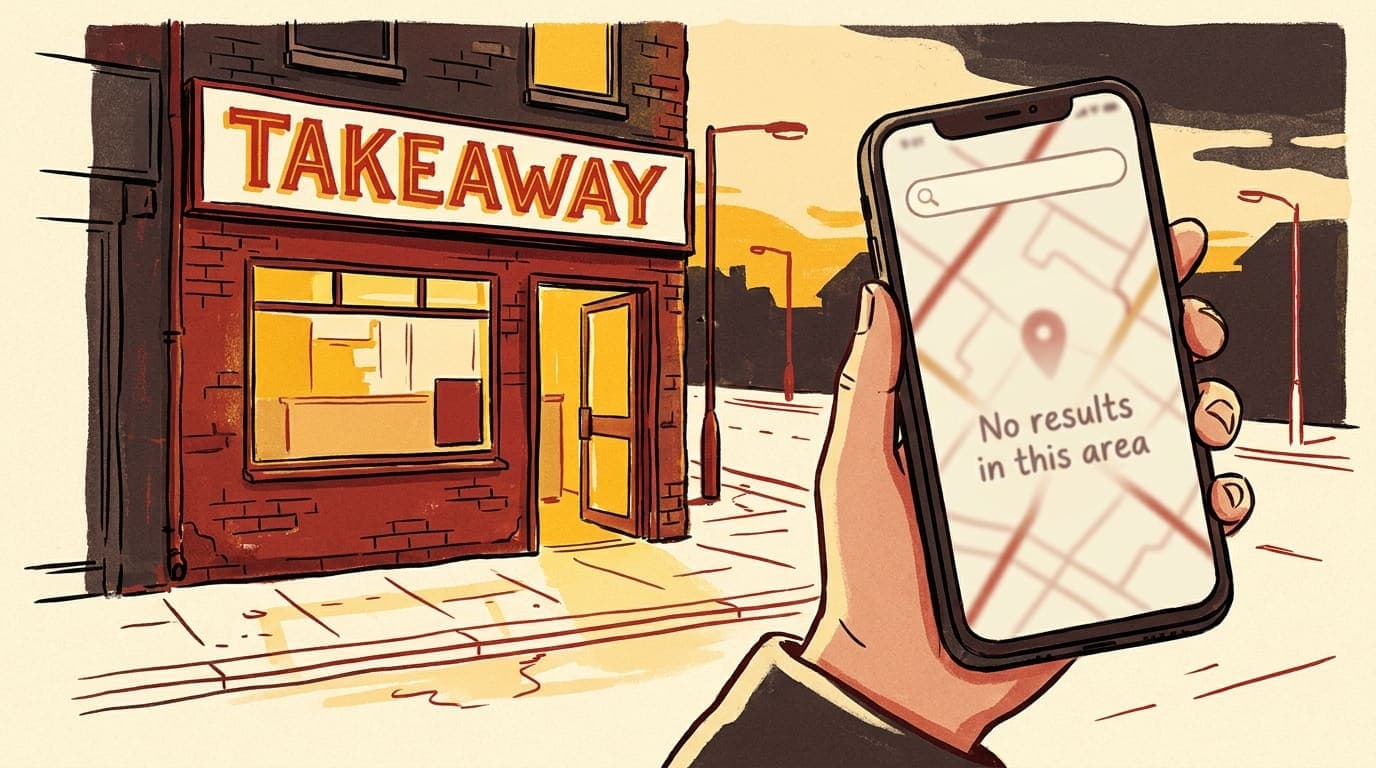
Someone walks past your shop, gets home, opens Google Maps, types in your business name — and nothing comes up. Or your competitor two streets away appears, but you don't.
This happens to dozens of UK takeaway and restaurant owners every day. The reasons are almost always one of eleven specific things, and most of them you can fix yourself in an afternoon. Below is the diagnostic checklist we work through whenever a restaurant calls us in a panic.
Before you start: open Google Maps on your phone right now and search your exact business name plus your postcode (e.g. "Spice House E1 6AN"). If it appears, you're not invisible to everyone — you're just ranking poorly, which is a different problem covered in our Google Maps ranking guide. If nothing appears at all, keep reading.
1. You haven't claimed (or finished verifying) your Google Business Profile
This is the single most common reason. You may have created a profile, but until Google sends a postcard, calls, or video-verifies the address, your listing sits in a pending state and either doesn't appear or appears intermittently.
Open business.google.com and check the verification status. If it says "Pending verification," you need to actually complete it — don't ignore the postcard sitting on the counter for three weeks.
2. Your profile is suspended
Google quietly suspends profiles for things like:
- A virtual office or residential address used as a business location
- Multiple businesses at the same address with no clear separation
- Keywords stuffed into the business name (e.g. "Best Cheap Curry Spice House")
- A category that doesn't match what the business actually does
A suspended profile is invisible. Sign in to your dashboard — if you see a yellow or red banner, that's your answer. Suspensions can be appealed via Google's Business Profile help, but the appeal needs to address the specific guideline you broke.[3]
3. The wrong business name in your profile
Google's naming guidelines are strict: your profile name must match the real-world signage on your shop, with no extra descriptors.[3] "Spice House" is fine. "Spice House — Best Indian Takeaway in Whitechapel" is a guideline violation and a strong signal for Google to either suppress the listing or hide it.
If your profile name has anything other than your actual business name, fix it. Yes, you'll lose the keyword stuffing, but you'll also stop being invisible.
4. Your address is wrong, vague, or the postcode points elsewhere
Google verifies your location by cross-referencing the address you entered with multiple other data sources — Royal Mail, Companies House, your website, your social profiles, food directory listings.
If your address is:
- Missing a flat or unit number
- Pointing to the wrong side of the building (the pin can drift)
- Inconsistent across the web ("12a" on Google, "12A" on Yelp, "Unit 12" on Companies House)
…then Google's confidence in your location drops, and the listing either ranks poorly or doesn't appear for nearby searches at all.
What to do: open your profile, drag the map pin to the exact entrance customers use, then audit your top five other listings (Yell, Yelp, TripAdvisor, Companies House, Just Eat) and make every address identical down to the punctuation.
5. Your category is wrong
Google's primary category is its strongest signal for what your business is. If you set it to "Restaurant" instead of "Indian restaurant" or "Pizza takeaway," you're competing with every coffee shop and burger chain in your postcode.[2]
Pick the most specific primary category that matches your food. Then add 5–9 secondary categories. A Pakistani takeaway might be:
- Primary: Pakistani restaurant
- Secondary: Halal restaurant, Curry restaurant, Takeaway restaurant, Family restaurant, Delivery restaurant
This alone can move a profile from invisible to top-three for the right searches.
6. You're searching from the wrong place
This sounds silly, but happens constantly. Google Maps results are personalised to where the searcher is right now. If you're searching from your house in a different town, or you're connected to a VPN, or your phone's GPS is off, the local pack you see is not what your actual customers see.
Test it properly: stand on the high street outside your shop. Open Google Maps. Search your business type — "indian takeaway", "pizza", "fish and chips". You should appear within the first few results. If you don't appear there but a customer told you they couldn't find you in their living room a mile away, that's a ranking problem, not a visibility problem.
7. Your business is too new
A brand new Google Business Profile typically takes 2–6 weeks to appear consistently in local results, even after verification. Google needs to build trust signals — citations on other directories, mentions on websites, reviews, photos, the actual existence of customer search behaviour around your name.
If you opened last month and you're not showing up yet, it's not necessarily broken. Spend that time on points 9 and 10 below — they shorten the wait.
8. A duplicate profile is splitting your visibility
Sometimes a previous owner, a customer, or a data aggregator has created a second listing for your address. Both profiles compete with each other and Google often shows neither.
Search Google Maps for your business name and your postcode. If two near-identical listings appear, claim both, then ask Google support to merge or remove the duplicate. This is a slow process (sometimes weeks) but worth it.
9. You have almost no reviews
Google won't say so directly, but in our audits, restaurants with under 10 reviews consistently rank below their better-reviewed competitors — sometimes to the point of not appearing at all in the local pack.
BrightLocal's annual industry survey has consistently found reviews to be one of the top two ranking factors for local businesses, alongside Google Business Profile completeness.[4]
If you've got fewer than 10 reviews, that's the priority. Send a follow-up text to every customer who orders this week with a one-tap review link. Most won't reply. Some will. Even an extra 5 reviews moves the needle when you're starting from a low base.
10. Your website doesn't match your profile
Google cross-references your Google Business Profile with your website. If your site:
- Lists a different phone number
- Has a different address (or no address at all)
- Has hours that contradict the profile
- Doesn't mention your business name in plain HTML text
…then Google trusts your profile less, and listings can drop or disappear. Open your contact page and your homepage footer. Make sure the NAP (name, address, phone) is identical to Google Business Profile, character for character.
11. You're hidden by Google's spam filter
Google runs spam filters on local results, especially in dense urban areas with lots of similar businesses. If your profile photos look fake, your reviews came in suspiciously fast, your name has keyword stuffing, or your category is wrong, the filter can hide you from results even if you're technically ranked.
This isn't usually deliberate spam by you — often it's a previous SEO agency that did dodgy things, or a competitor reporting your listing. Fix every guideline issue above, and the filter usually releases your profile within a few weeks.
The 30-minute fix order
If you only have 30 minutes today, do these in this order:
- Verify your profile is verified and not suspended (5 min)
- Fix the business name to match your actual signage (1 min)
- Set the most specific primary category and add secondaries (5 min)
- Drag the map pin to your real front door (2 min)
- Upload 10 photos: food, interior, exterior, team, menu pages (15 min)
- Match your website's address and phone to the profile exactly (2 min)
That's about 80% of the visibility problem solved for most restaurants we audit.
If you've done all of the above and still nothing — that's when it's worth getting someone to look at it properly. Reply to one of our emails or book a free audit and we'll tell you within a working day what's actually going on. We'll happily say "you don't need us, just fix X" if that's the honest answer.
Your kitchen does the hard part. The map listing is the easy part. There's no reason your competitor should be showing up when you're not.
Sources & further reading
We help UK restaurants and takeaways grow online. Get in touch for a free audit.